Prices on request. Specifications and stock are confirmed in your quote.

EMD Lab ProArt PC

Two creator PCs.
One ProArt ecosystem.

Wood, glass and ProArt parts, neatly built and fully tested by EMD Lab, for work that depends on accurate colour and predictable render times.

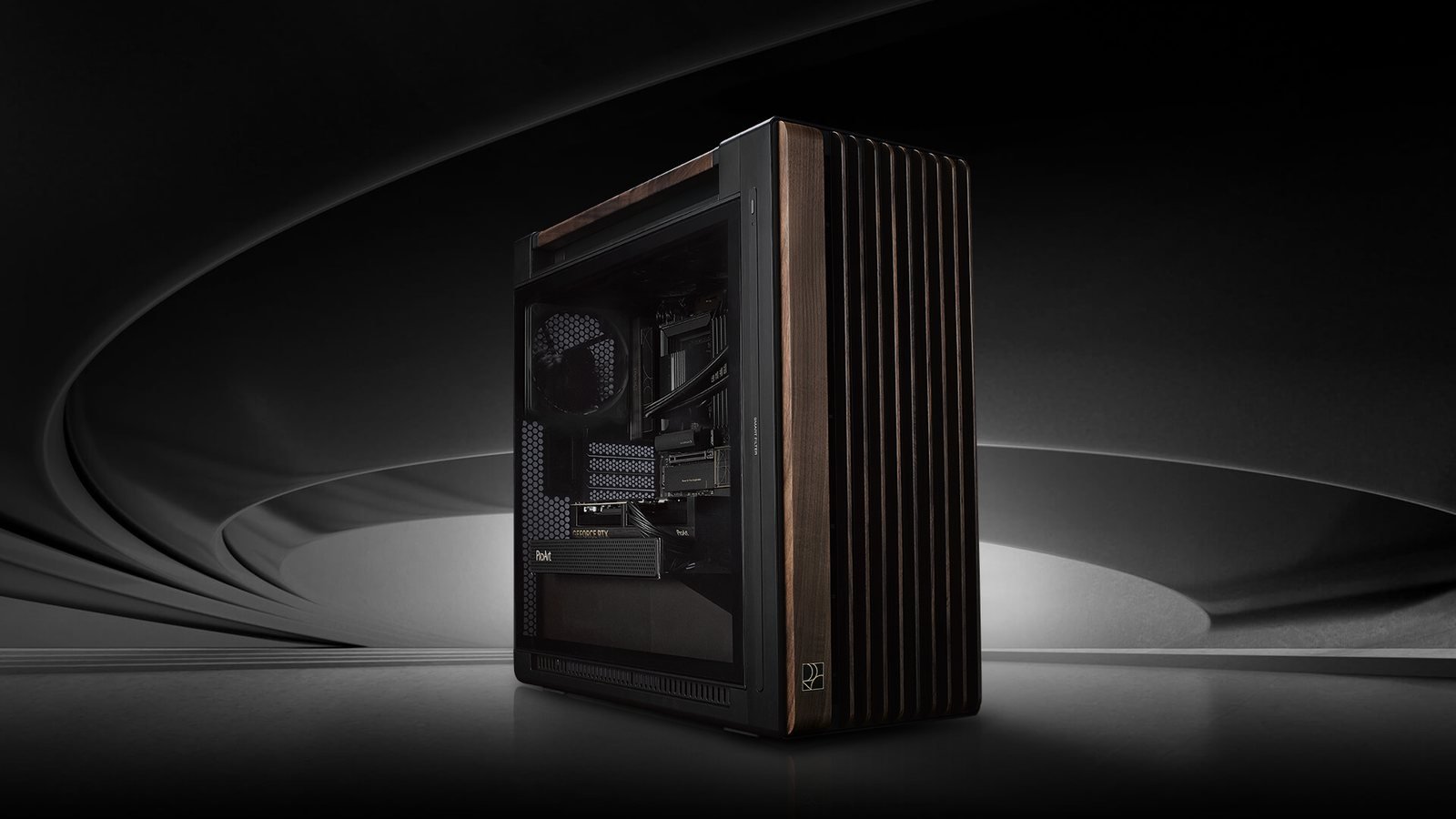
ProArt PC 602 Wood Edition with a glass panel and a finned walnut wood panel on the right side
  • Ryzen 9 9950X16 cores, 32 threads
  • RTX 50 SeriesProArt 5070 Ti, 5080, 5090
  • 2 × USB440 Gbps per port
  • 10 GbE + WiFi 7Studio networking
  • Tested before shippingCPU, GPU and memory stress tests

Choose your size

Two models, one standard

Both use a ProArt motherboard and a ProArt graphics card. What sets them apart is the case size, the graphics card, the cooler and the room to upgrade. Pick the colour and panel you like, then change the specification in the configurator before we send a quote.

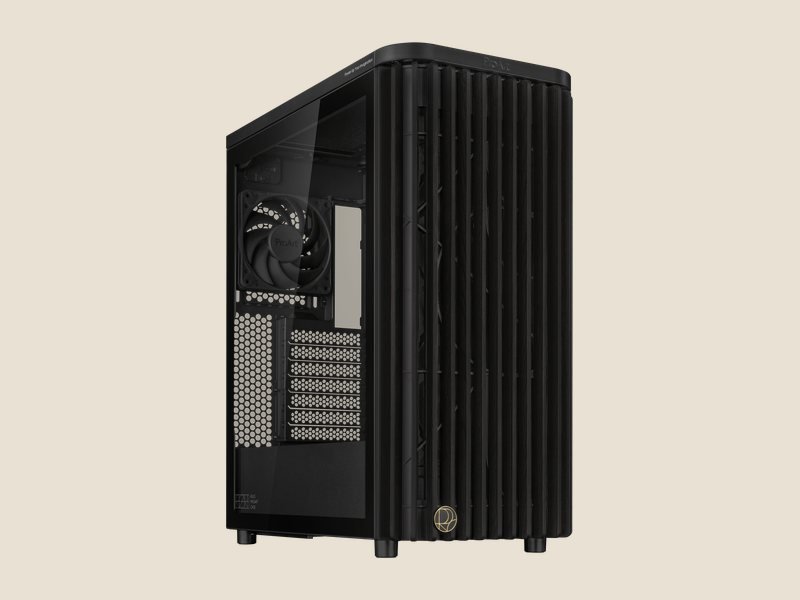
ProArt PA401 Wood Edition in black with a glass panel
Compact and quiet

ProArt PC 401

4K video editing, photography, graphic design and streaming

Case
ASUS ProArt PA401 Wood Edition412 × 225 × 503 mm, ATX. Black or beige, glass or metal panel
Motherboard
ASUS ProArt X870E-CREATOR WIFIAlternatives: Z890-CREATOR WIFI (Intel) or B850-CREATOR NEO
Processor
AMD Ryzen 9 9950X16 cores, 32 threads
Graphics card
ASUS ProArt GeForce RTX 5080 16GB OCBudget option: ProArt RTX 5070 Ti 16GB, same size
Memory
64 GB DDR5 (2 × 32 GB)
Storage
2 TB NVMe PCIe 5.0 + 4 TB NVMe PCIe 4.0
CPU cooler
Noctua NH-U12S reduxAir cooler, 158 mm tall. No ProArt liquid cooler fits the PA401's 240 mm top radiator mount
Power supply
ASUS ROG Strix 1000W Platinum80 PLUS Platinum, 160 mm long (case maximum 170 mm)
  • The ProArt RTX 5080 (304 mm) fits the 315 mm limit with 11 mm to spare.
  • The case comes with two 160 mm front fans and one 120 mm rear fan.

Price on request
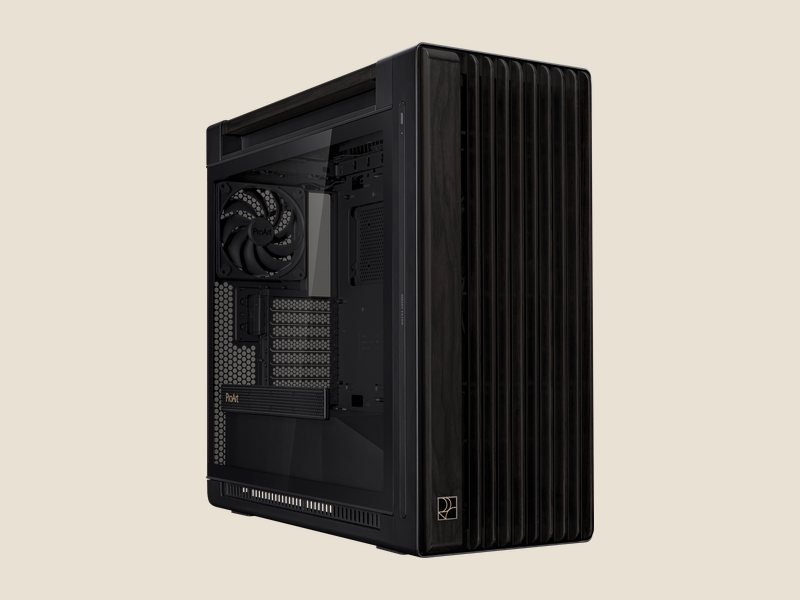
ProArt PA602 Wood Edition with a glass panel
Top performance

ProArt PC 602

3D and animation, VFX, 6K–8K RAW editing and generative AI

Case
ASUS ProArt PA602 Wood Edition593 × 245 × 560 mm, up to E-ATX. Wood Edition or Modern Black
Motherboard
ASUS ProArt X870E-CREATOR WIFI
Processor
AMD Ryzen 9 9950X16 cores, 32 threads
Graphics card
ASUS ProArt GeForce RTX 5090 32GB OCThe second PCIe 5.0 slot is ready for an extra RTX 5090
Memory
96 GB DDR5 (2 × 48 GB)Two modules so the memory stays at full speed
Storage
2 TB NVMe PCIe 5.0 + 4 TB NVMe PCIe 4.0
CPU cooler
ASUS ProArt LC 420 or LC 360420 mm or 360 mm radiator on top
Power supply
ASUS ROG Thor 1200W Platinum III190 mm long (case maximum 190 mm). For two RTX 5090s: ROG Thor 1600W Titanium III EVO
  • The ProArt RTX 5090 (304 mm) against a 440 mm limit: 136 mm to spare.
  • The case comes with two 200 mm front fans and one 140 mm rear fan.

Price on request
Want an Intel processor? Both models are also available in the configurator with the ASUS ProArt Z890-CREATOR WIFI and Intel Core Ultra 9 285K.

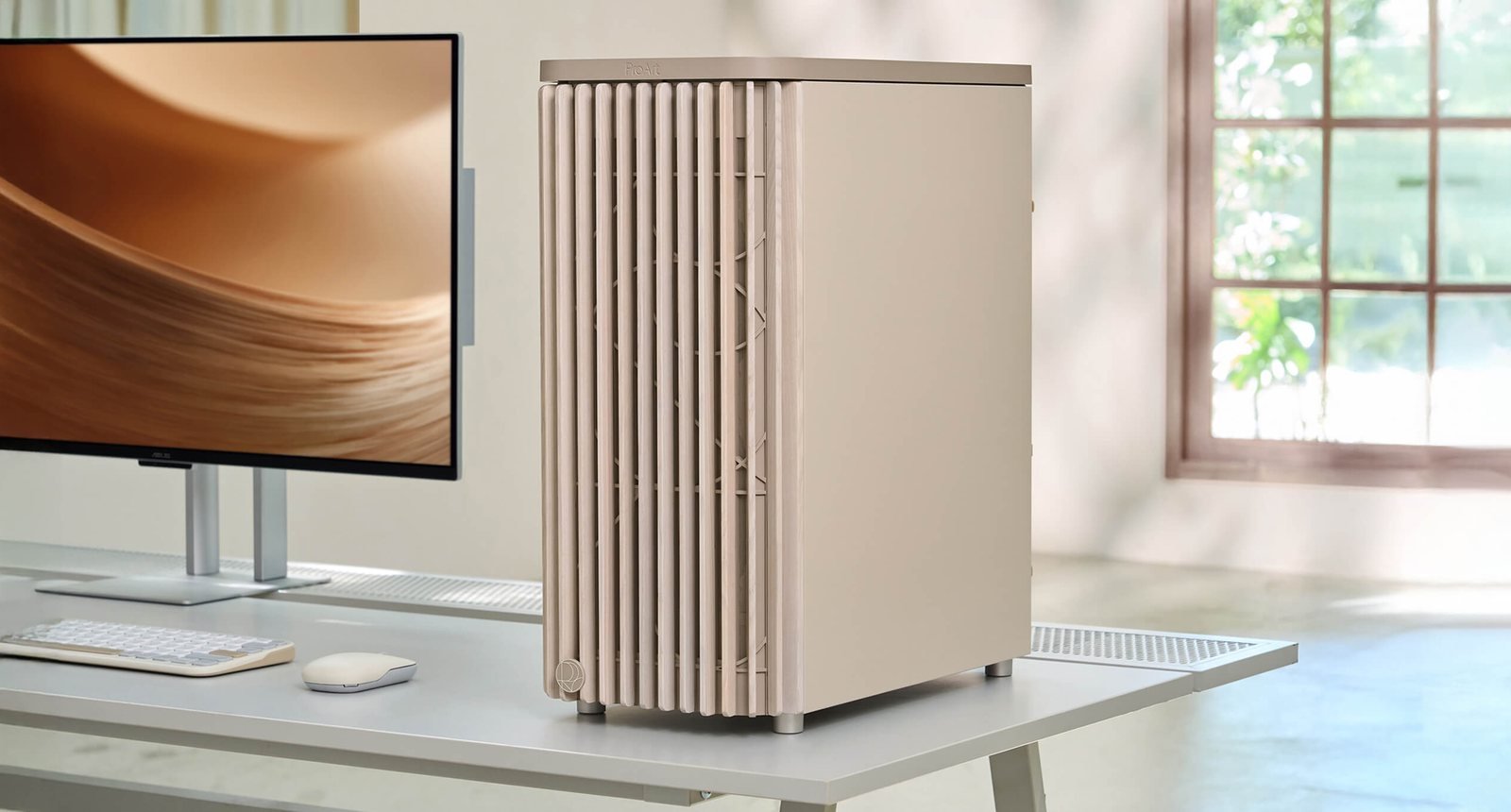
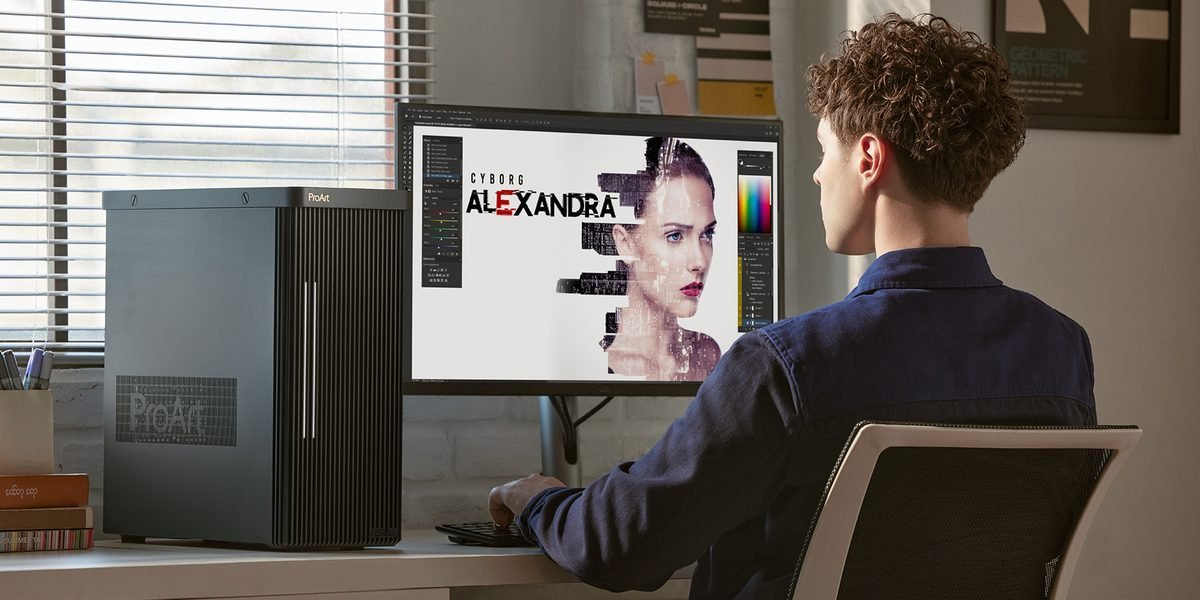
ProArt PA401 Wood Edition in beige on a desk next to a ProArt display

Wood Edition Beige

Warm on the desk, calm in the room

Sand-coloured wood fins and a beige body make the PC 401 look like part of the workspace, not just a machine under the desk. Choose the glass panel to show off the inside, or the metal panel for a plainer look.

  • Available for the ProArt PC 401, with a glass or metal panel
  • Matches ProArt displays and neutral-coloured keyboards and mice
  • Same parts, specification and fit limits as the black version
Build the beige version

ProArt ecosystem

One family, from case to display

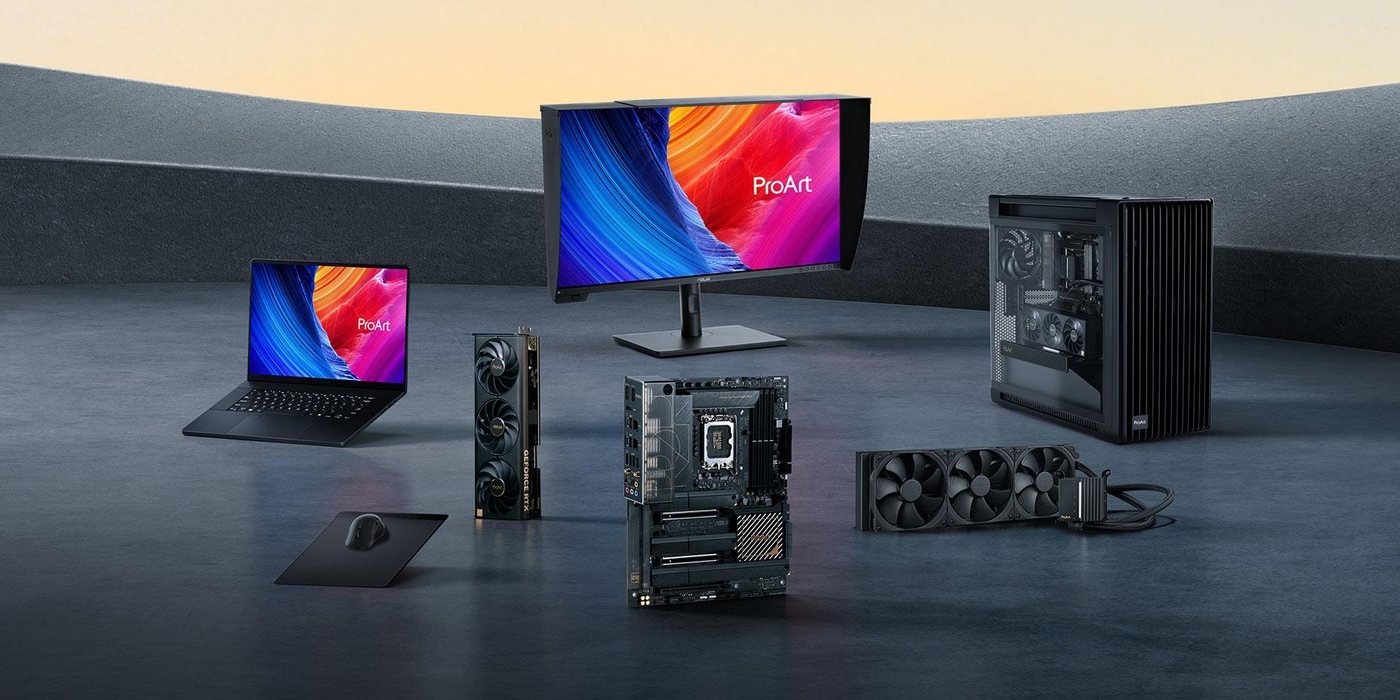
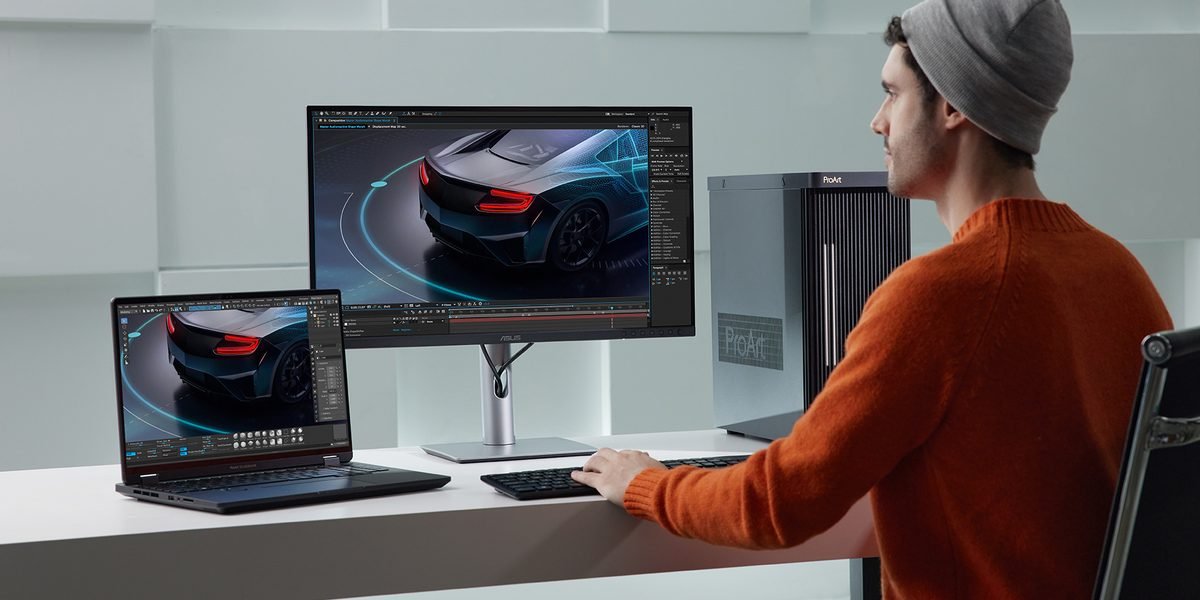
The ProArt case, motherboard, graphics card, cooler and display share one design language, so they look consistent on your desk.

The ProArt product family: display, laptop, PC, motherboard, graphics card and cooler
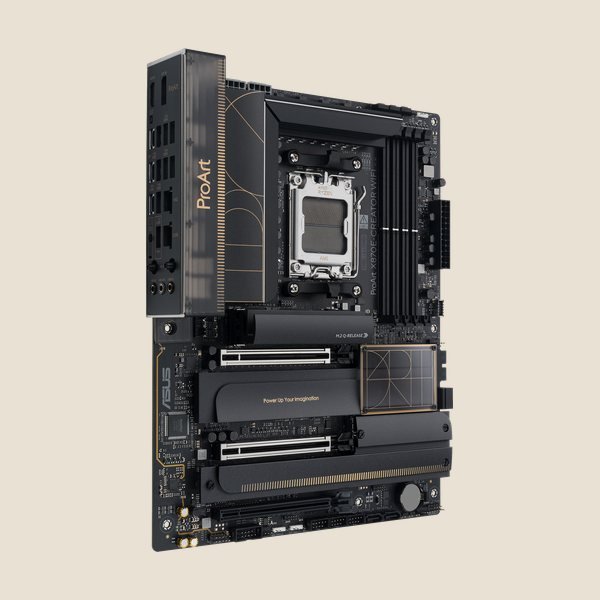
Motherboard ASUS ProArt X870E-CREATOR WIFI
Motherboard

ProArt X870E-CREATOR WIFI

The base of both models: 2 × USB4, 10 Gb Ethernet and WiFi 7. Another AMD option: B850-CREATOR NEO.

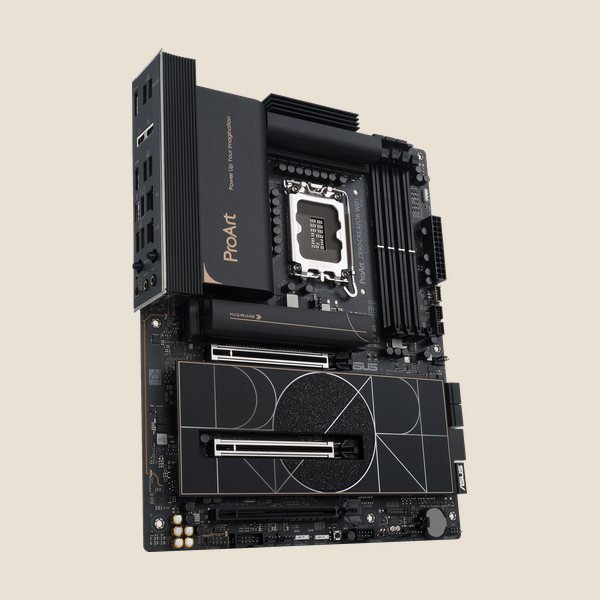
Motherboard ASUS ProArt Z890-CREATOR WIFI
Intel motherboard

ProArt Z890-CREATOR WIFI

For Intel Core Ultra users. Available through the configurator.

ASUS ProArt GeForce RTX 5090 graphics card
Graphics card

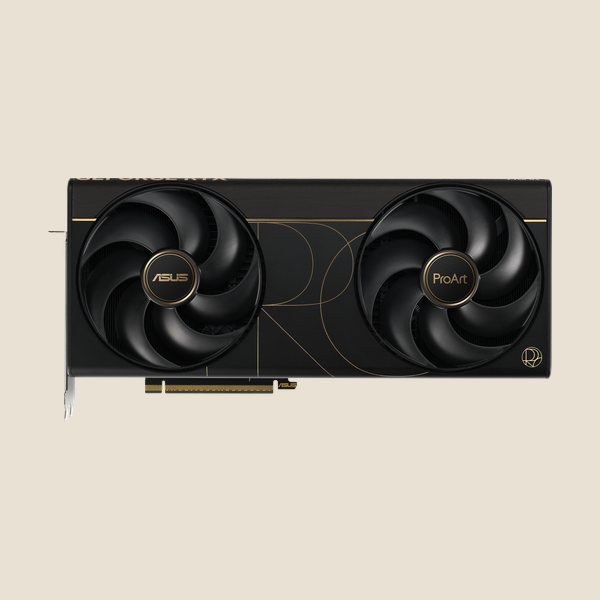
ProArt GeForce RTX 50

RTX 5090, 5080 and 5070 Ti in a 2.5-slot, 304 mm design: slimmer than most cards in their class.

ASUS ProArt LC 420 liquid cooler
Liquid cooler

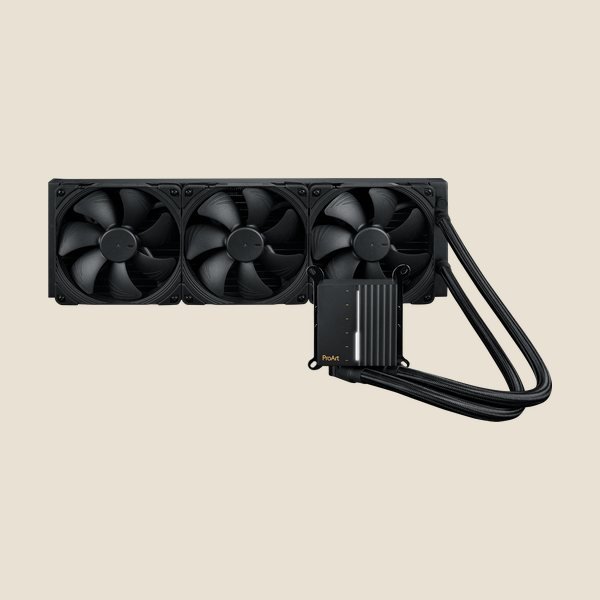
ProArt LC 420

420 mm radiator with Noctua 140 mm fans. For the PC 602.

ASUS ProArt LC 360 liquid cooler
Liquid cooler

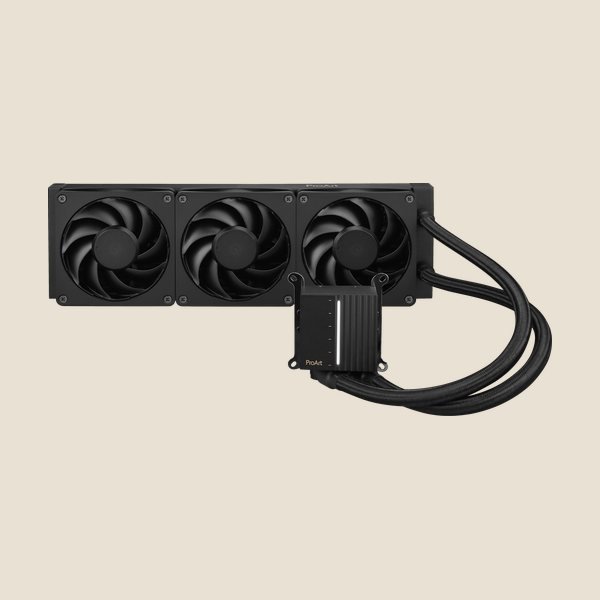
ProArt LC 360

360 mm radiator, a more compact choice for the PC 602.

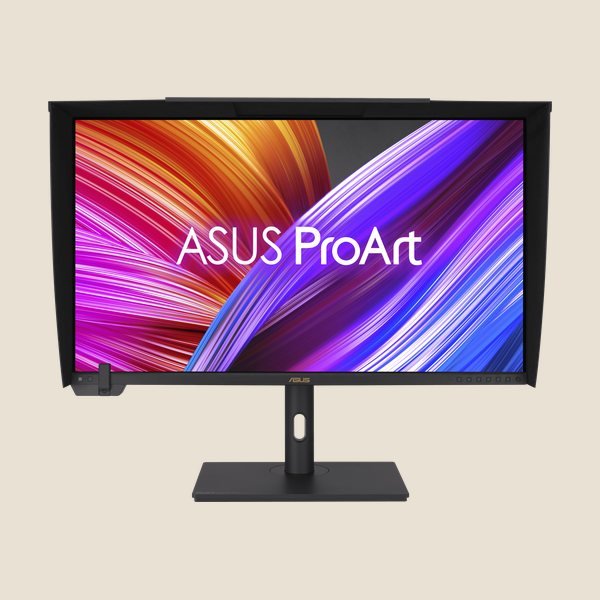
ASUS ProArt Display PA32UCXR
Display

ProArt Display

Factory-calibrated for colour accuracy. See the full range in the displays section below.

Cross-check the sizes

Graphics card fit

We check every ProArt card against ASUS's official case limits: card length, slot thickness, power and connectors. All three ProArt RTX 50 cards are the same length, 304 mm.

ProArt PA401

Maximum card length 315 mm

11 mm spare: fits

ProArt PA602

Maximum card length 440 mm

136 mm spare: roomy

Both charts use the same scale (440 mm = full width).

Fit of ProArt graphics cards in the PA401 and PA602 cases
Graphics card Size (L × H × W) Power ProArt PC 401 · PA401 ProArt PC 602 · PA602
ProArt GeForce RTX 5090 32GB OC2.5 slots, 32 GB GDDR7 304 × 140 × 50 mm 575 W card1 × 16-pin, ASUS recommends a 1000 W PSU Fits, but we don't use itThe length fits (about 10 mm spare), but 575 W of heat in a compact case with an air cooler makes it loud and hot. Choose the PC 602. StandardFits with 136 mm spare. A second card can go in the second PCIe 5.0 slot; see the notes below.
ProArt GeForce RTX 5080 16GB OC2.5 slots, 16 GB GDDR7, 10,752 CUDA cores 304 × 126 × 50 mm 360 W card1 × 16-pin, ASUS recommends an 850 W PSU StandardFits with 11 mm spare. FitsAn option when budget matters more than 32 GB of VRAM.
ProArt GeForce RTX 5070 Ti 16GB OC2.5 slots, 16 GB GDDR7, 8,960 CUDA cores 304 × 126 × 50 mm 300 W card1 × 16-pin, ASUS recommends an 850 W PSU Fits, budget optionExactly the same size as the 5080: a question of budget, not of fit. Fits

Card sizes and case limits are from the official ASUS Indonesia specification pages (October 2026). Card power is NVIDIA's reference value. Many other GeForce cards are 3 to 3.5 slots thick; in the ProArt PC we use ProArt cards only.

Why the 5080, not the 5070 Ti, in the PC 401?

The two cards are the same size: 304 × 126 × 50 mm, so both fit the PA401. The RTX 5080 has 10,752 CUDA cores against 8,960 on the 5070 Ti, with the same 16 GB of VRAM. The 5070 Ti stays available as a budget option.

Can the PC 602 take two RTX 5090s?

Physically, yes. The two PCIe 5.0 slots on the ProArt X870E-CREATOR are 3 slots apart and run at x8/x8, and the PA602 has 8 expansion slots. ProArt cards are 50 mm thick, which leaves about 1 cm between the two cards.

That gap is tight for two 575 W cards: the upper card draws in hot air from the lower one. With two cards, we limit each card to about 450 W and use the ASUS ROG Thor 1600W Titanium III EVO power supply (two 12V-2x6 connectors, 190 mm long).

Power at your site

At full load, the PC 401 draws about 770 W from the wall and the PC 602 with one RTX 5090 about 1,000 W. Both are fine on a 2,200 VA PLN connection as long as they don't share a circuit with an air conditioner or water heater.

With two RTX 5090s, about 1,650 W: it needs its own circuit and a PLN connection of at least 3,500 VA. Size your UPS to match.

Other limits we check on every build

Official limits of the ProArt PA401 and PA602 cases
LimitPA401 Wood EditionPA602 Wood Edition
MotherboardATXMini-ITX up to E-ATX (12" × 10.9")
Graphics card length315 mm440 mm
Expansion slots78, plus 2 vertical
CPU cooler height160 mm185 mm
RadiatorTop: up to 240 mmASUS lists no front radiator, so the ProArt LC 360 and LC 420 do not fitTop: up to 420 mm
Power supply length170 mm190 mm
Included fansFront 2 × 160 mm, rear 1 × 120 mmFront 2 × 200 mm, rear 1 × 140 mm
Drive bay2 × 2,5"/3,5" + 2 × 2,5"4 × 2,5"/3,5" + 4 × 2,5"
Dimensions (L × W × H)412 × 225 × 503 mm, 8.6 kg593 × 245 × 560 mm, 15.8 kg

Source: the ProArt PA401 Wood Edition and ProArt PA602 Wood Edition specification pages on ASUS Indonesia.

Advantages

Designed for your workflow

One design language, from case to display

The case, motherboard, graphics card, cooler and display come from one ASUS creator line, with a minimal black look, gold accents and matching wood touches. The ProArt line has won international design awards from iF Design, Good Design® and Red Dot.

5Main components from the ProArt line
FSCCertified wood on the Wood Edition cases
2.5 slotsProArt RTX 50 cards, thinner than most cards in their class
  • ProArt PA401 or PA602 Wood Edition case
  • ProArt X870E-CREATOR WIFI motherboard, black with metallic gold accents
  • ProArt RTX 50 graphics cards in a 2.5-slot design, with wood-pattern trim on the 5080 and 5070 Ti
  • ProArt LC 420 or LC 360 cooler on the PC 602

Who it is for

ProArt for every profession

The model we suggest for each kind of work, and the part that matters most for your software.

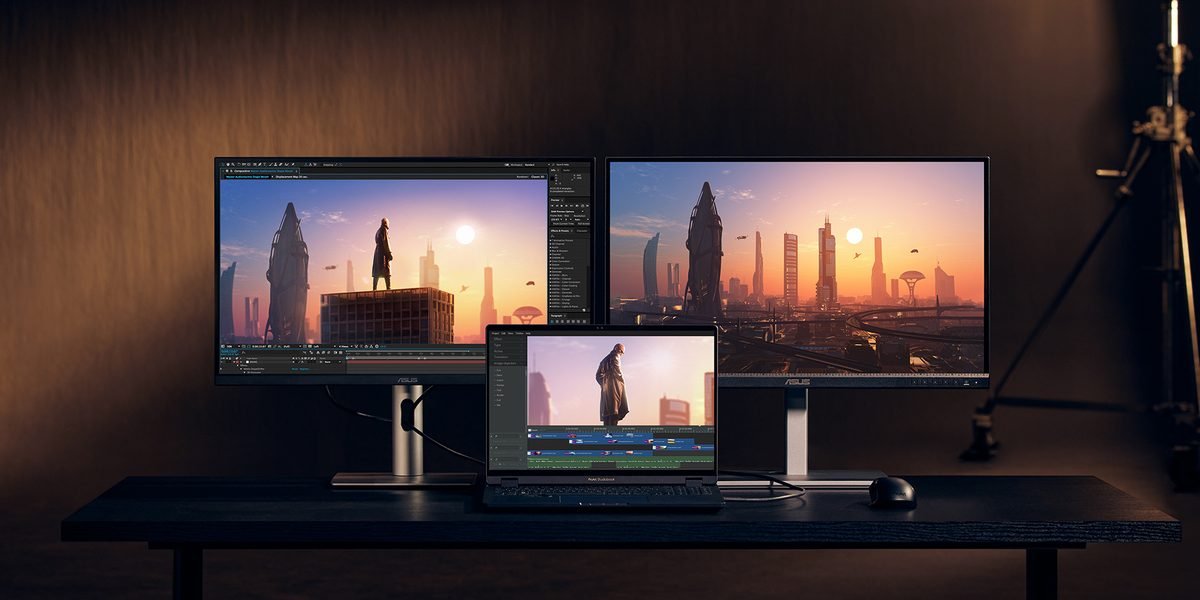
Graphic designer working on a ProArt display

Graphic Design & Motion

Illustrator, InDesign, Photoshop, After Effects

Graphic design runs smoothly on the PC 401. For After Effects, memory matters more than the graphics card: 64 GB for ordinary compositions, 128 GB for long, high-resolution ones.

Suggested: PC 401, with more memory for motion work

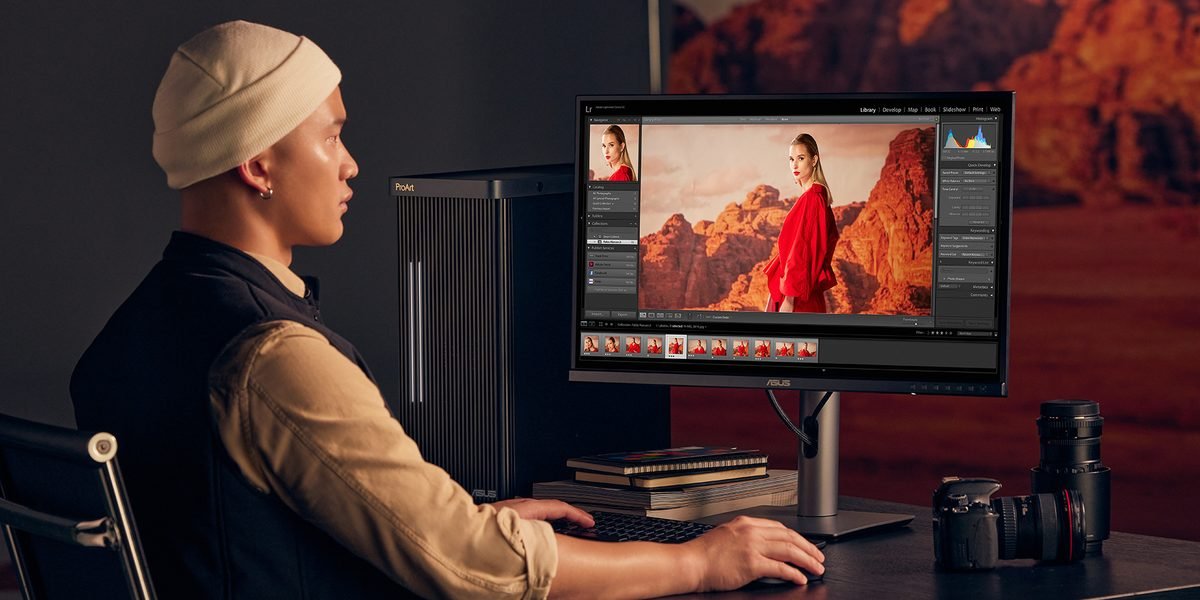
Photographer editing photos on a ProArt display

Photography

Lightroom Classic, Photoshop, Capture One

Import, export and preview building depend on the processor and memory. AI features such as Denoise use the graphics card; an RTX 5070 Ti is plenty. Pair it with a factory-calibrated ProArt display.

Suggested: PC 401 with an RTX 5070 Ti

Film editor colour grading

Film & Video Editing

DaVinci Resolve, Premiere Pro, After Effects

The graphics card speeds up effects, noise reduction and playback. The RTX 50 decoder handles 4:2:2 footage from mirrorless cameras. DaVinci Resolve Studio can use two graphics cards; Premiere Pro gains nothing from a second card.

Suggested: PC 401 for 4K, PC 602 for 6K–8K, RAW and heavy noise reduction

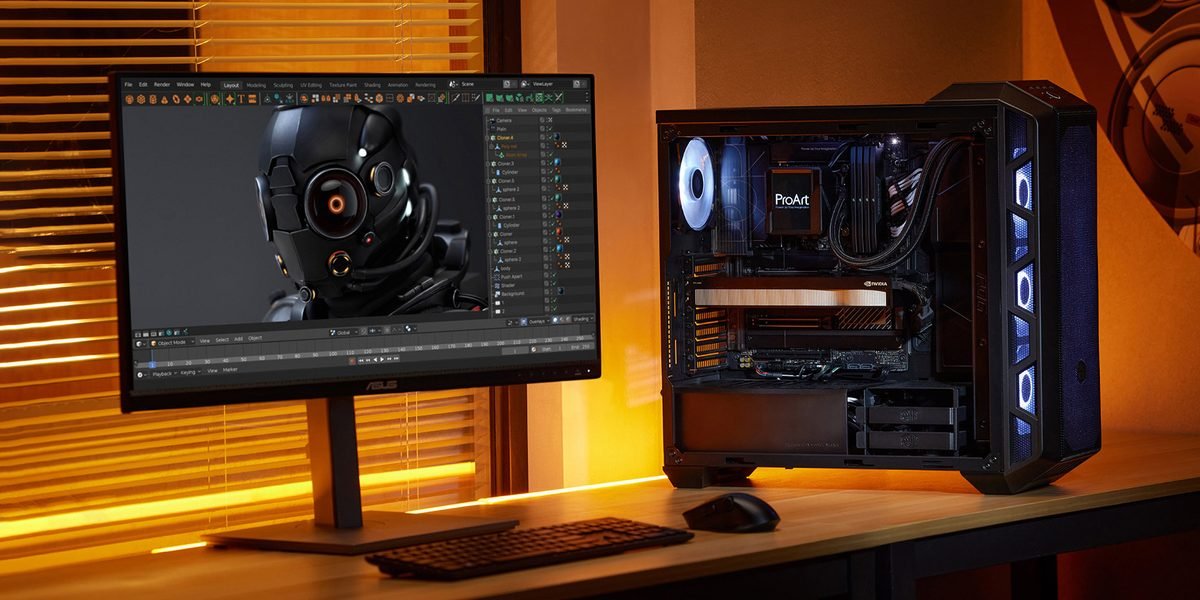
3D animator working with a ProArt PC

Animation & Games

Blender, Maya, Cinema 4D, Unreal Engine, Octane, Redshift, ComfyUI

GPU rendering scales almost in line with card speed, and VRAM decides how large a scene or AI model fits. The RTX 5090 with 32 GB gives the most room. A second card speeds up rendering, but VRAM is not combined.

Suggested: PC 602, ready for a second card

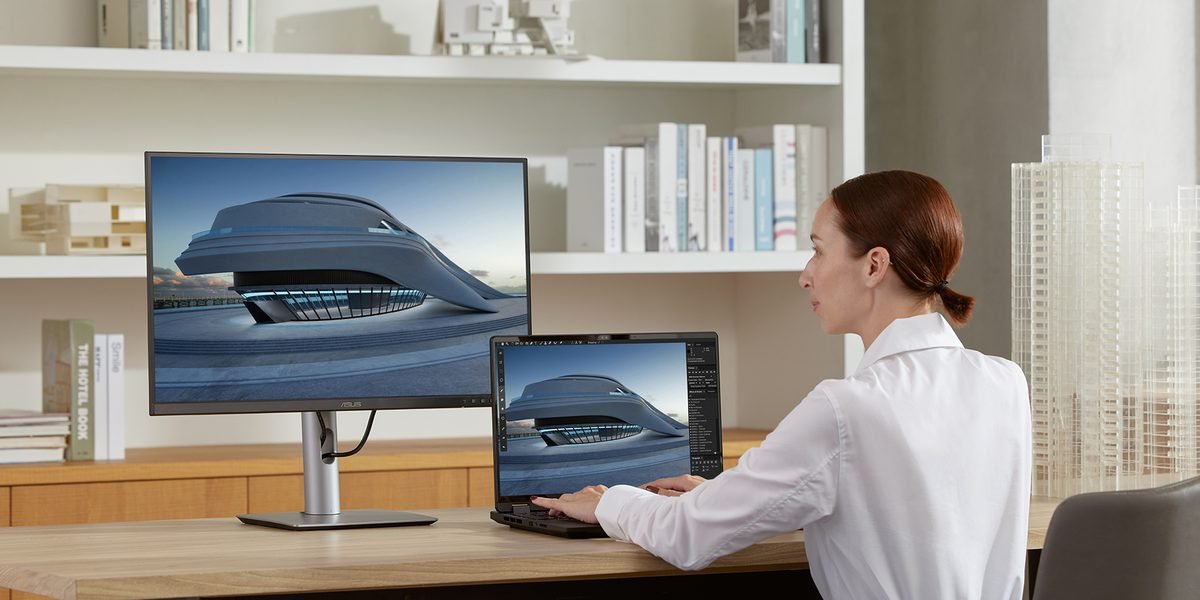
Architect working on a building model on a ProArt display

Architecture & Construction

Revit, ArchiCAD, SketchUp, Lumion, Enscape, Twinmotion

Modelling in Revit and ArchiCAD depends more on the speed of a single processor core. Real-time visualisation in Lumion, Enscape and Twinmotion depends on the graphics card and VRAM, which is where the RTX 5090 helps.

Suggested: PC 401 for modelling, PC 602 for visualisation

Product designer reviewing a 3D model

Product Design & Manufacturing

KeyShot, Fusion, Rhino, SolidWorks, Creo

KeyShot renders and product visualisation are very fast on the RTX 5090. SolidWorks and Creo officially support certified RTX PRO cards; GeForce works but without certification. For that, choose EMD Lab Engineer.

Suggested: PC 602 for rendering, EMD Lab Engineer for certified CAD

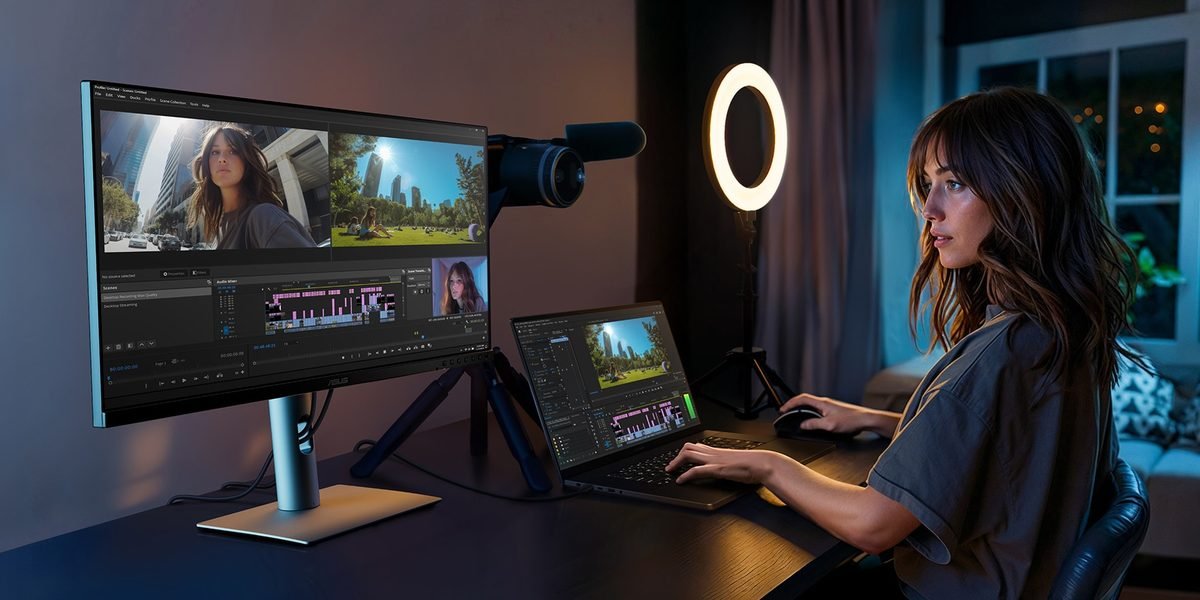
Content creator streaming and recording video

Broadcasting & Vlogging

OBS Studio, YouTube, Twitch, TikTok, CapCut

The NVIDIA encoder on the graphics card handles streaming and recording, so the processor stays free for games, cameras and effects. The USB4 and 20 Gbps USB ports suit capture cards and external SSDs.

Suggested: PC 401

Optional

Complete it with a ProArt Display

ProArt displays are factory-calibrated for colour accuracy. Choose one when you configure, or ask our team about other models.

ASUS ProArt Display PA32UCXR

31.5inch

ProArt PA32UCDM

4K QD-OLED, 240 Hz. 99% DCI-P3, 2 × Thunderbolt 4.

HDR grading, PC 602

32inch

ProArt PA32UCXR

4K Mini LED, 2,304 zones. 1,600 nits peak, built-in colorimeter.

HDR mastering

31.5inch

ProArt PA32QCV

6K IPS. 98% DCI-P3, Thunderbolt 4 with 96 W power.

High-resolution photo and video

27inch

ProArt PA27JCV

5K IPS. DisplayHDR 500.

Design and photography

31.5inch

ProArt PA329CRV

4K IPS. 98% DCI-P3, USB-C 96 W.

4K video editing, PC 401

27inch

ProArt PA279CRV

4K IPS. 99% DCI-P3, USB-C 96 W.

Design and photography

27inch

ProArt PA278CGRV

QHD IPS, 144 Hz. 97% DCI-P3, USB-C 96 W.

Streaming and creators

?

Need advice?

We help you choose a display to match your workflow, colour space and budget.

Ask our team

Why EMD Lab

From the official distributor, not a middleman

EMD Lab is the workstation division of an official ASUS and AMD distributor in Indonesia.

AMD TOP Distributor of the Year 2024–2026 AMD's award to our distribution business.
25 years
Distributing PC hardware in Indonesia: AMD for 25 years, ASUS for 10 years.
Official warranty
All parts come through the official distributor channel, not parallel imports.
Three branches
Jakarta (Mangga Dua), Bandung and Yogyakarta.
All of Indonesia
Shipped with the specification sheet and test results.

Frequently asked questions

Can the PC 602 use two RTX 5090s?

Physically, yes: the second PCIe 5.0 slot is 3 slots away and both cards run at x8/x8. The M.2_2 slot must stay empty, because it shares lanes with the second graphics card slot.

The gap between the cards is only about 1 cm, so we limit each card to about 450 W. We have not yet tested a two-RTX 5090 build in the lab; we will test it before we sell it. For two RTX 5090s we use the ASUS ROG Thor 1600W Titanium III EVO, which has two 12V-2x6 connectors and fits the PA602 (190 mm).

A second card speeds up GPU rendering (Blender Cycles, Redshift, Octane, V-Ray), DaVinci Resolve Studio and local LLMs. Premiere Pro, After Effects, Photoshop and games gain nothing. A two-card build draws about 1,650 W, so it needs its own circuit.

Are the ProArt GeForce cards ISV-certified?

No. ISV certification (for example for SolidWorks, Creo, CATIA) is given to NVIDIA RTX PRO cards. ProArt GeForce cards use NVIDIA Studio drivers, which are tested for creative apps such as Adobe, DaVinci Resolve and Blender. For certified CAD, choose EMD Lab Engineer with an RTX PRO card.

Can I use an Intel processor?

Yes. Both models are available with the ASUS ProArt Z890-CREATOR WIFI and an Intel Core Ultra 9 285K or Core Ultra 7 265K. Choose in the configurator, or ask our team for advice.

Why is there no Threadripper option?

ASUS does not yet make a ProArt motherboard for Threadripper. For simulation, heavy CPU rendering or more than 256 GB of memory, see EMD Lab Engineer and EMD Lab AI.

How long does the build take?

3 to 5 working days for assembly and testing once all parts are available. The configurator shows the stock status of every part.

Can I change parts from the standard specification?

Yes. Both models are a starting point. Open the configurator from the model card, change the memory, storage or graphics card, and the configurator checks every part against the case.

Free consultation

Not sure which model?

Tell us about your software and projects. Our specialists will send a recommended specification with the reasons behind it, and a price quote.